
The full guide
Every feature, explained plainly.
Skim the contents, jump to what you need. Features marked Pro are part of the one-time Pro upgrade — everything else is free.
The building block
Exercises
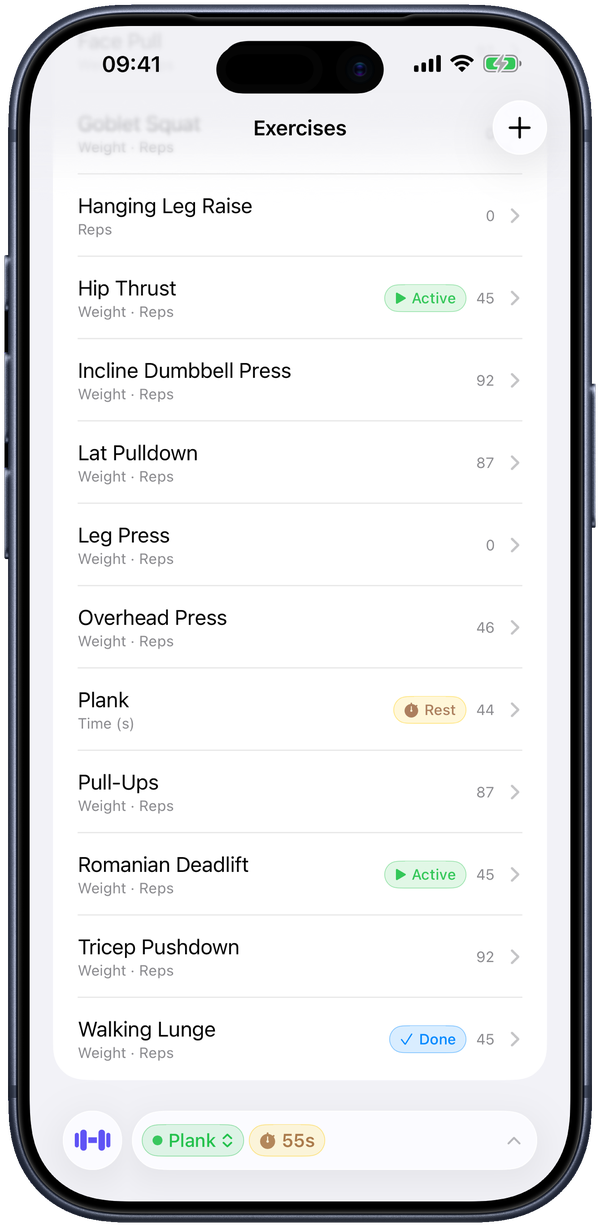
An exercise is anything you want to track — a barbell lift, a machine, a cable, a bodyweight movement. You make them as you go; there's no preset library to wade through. Tap + on the Exercises tab, give it a name, and pick what it tracks.
The tracking options are Weight, Reps, Time, and Distance. Most lifts are Weight and Reps (the default); a plank is Time; pull-ups are just Reps (leave Weight off and it's a bodyweight movement). If an exercise uses a barbell, the Uses Barbell toggle tells the plate calculator to work in per-side plates.
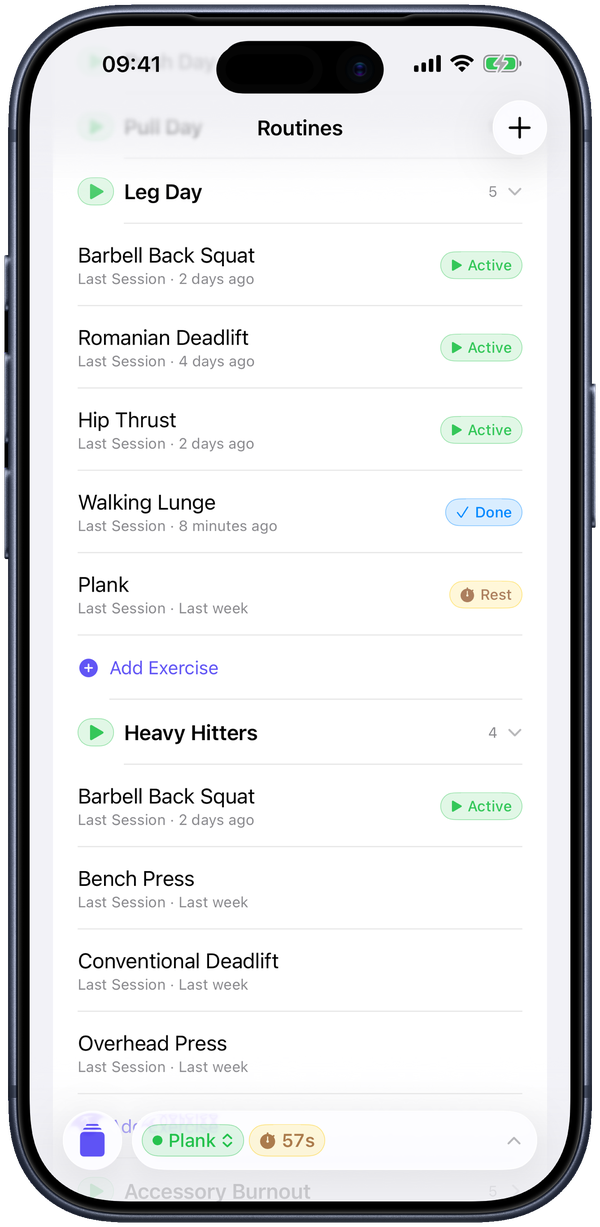
Each row in the list shows what it tracks and, during a workout, a live status badge — Active while you're on it, Rest while its timer runs, Done once you've finished it that day. Retired a movement? Archive it and it keeps its history without cluttering the list.
The main event
Logging a session
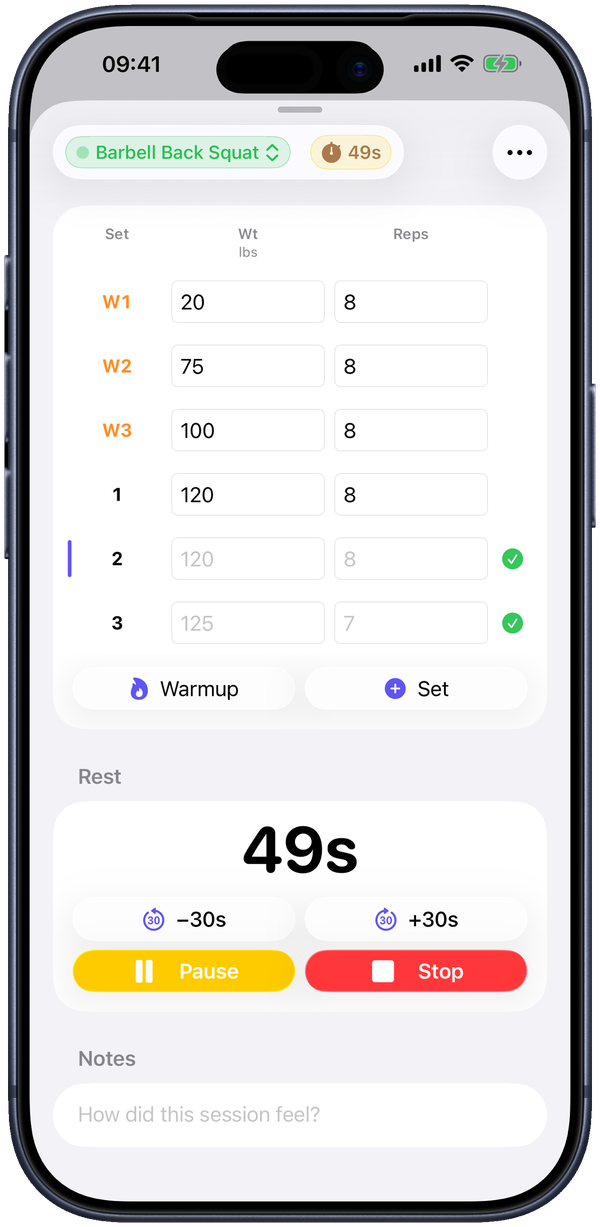
Open an exercise and log each set as you do it: type the weight and reps, tap Set for the next row, repeat. The numbers are written the instant you enter them, so a dead battery or a fumbled phone never costs you a set. A session is just the group of sets you did that day.
Tap Warmup to add warmup rows — they appear as W1, W2, W3 and stay out of your working numbers and personal bests. Swipe a row to Clear or Delete it, or tap to fix a typo. With Last Session Hints on, your previous numbers show as faded placeholders — tap the green check to reuse them.
Leave a note on the session (“How did this session feel?”) when you want to remember tempo, a tweak, or which bench was wobbly. When you're done, tap Finish — or Finish All if you had more than one exercise going at once.
Between sets
The rest timer
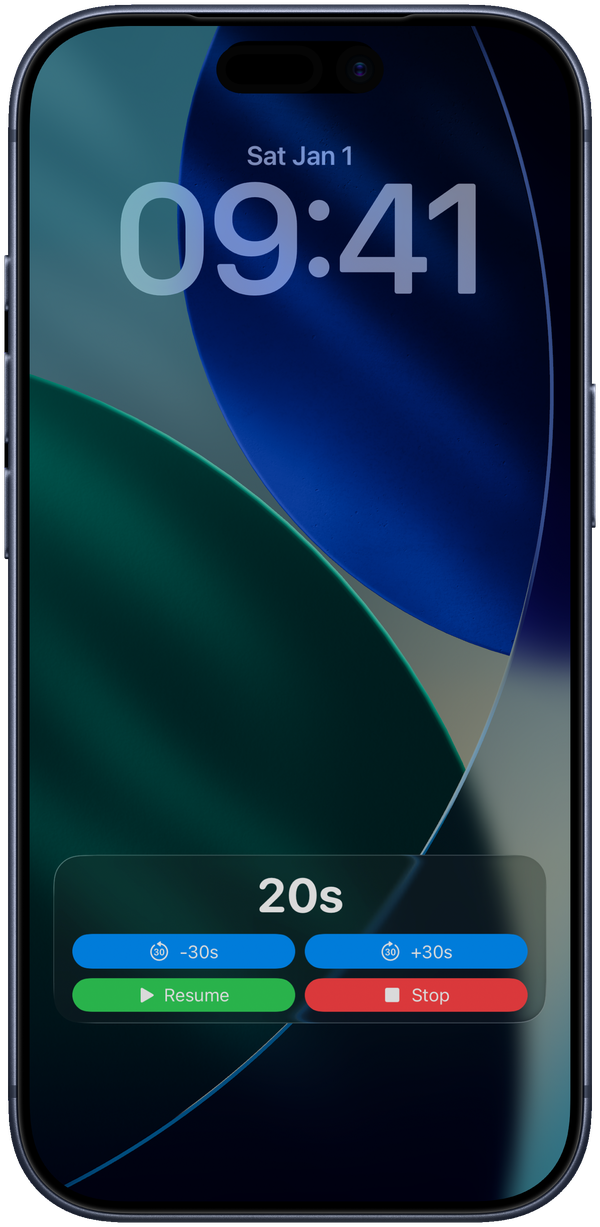
Start the timer from the Rest section after a set and it runs on its own. It's a real Live Activity, so the countdown shows on your Lock Screen and in the Dynamic Island without keeping the app open — and the buttons work right there: −30s, +30s, pause, snooze, stop. An alarm rings when time's up (the Rest Alert setting), so you can pocket the phone and still get called back.
Set your usual rest length under Settings → Default Rest (30s, 60s, 2m, 3m). While a timer's running, a capsule stays pinned in the app's toolbar so you always know where you stand.
Automatic wins
Personal bests
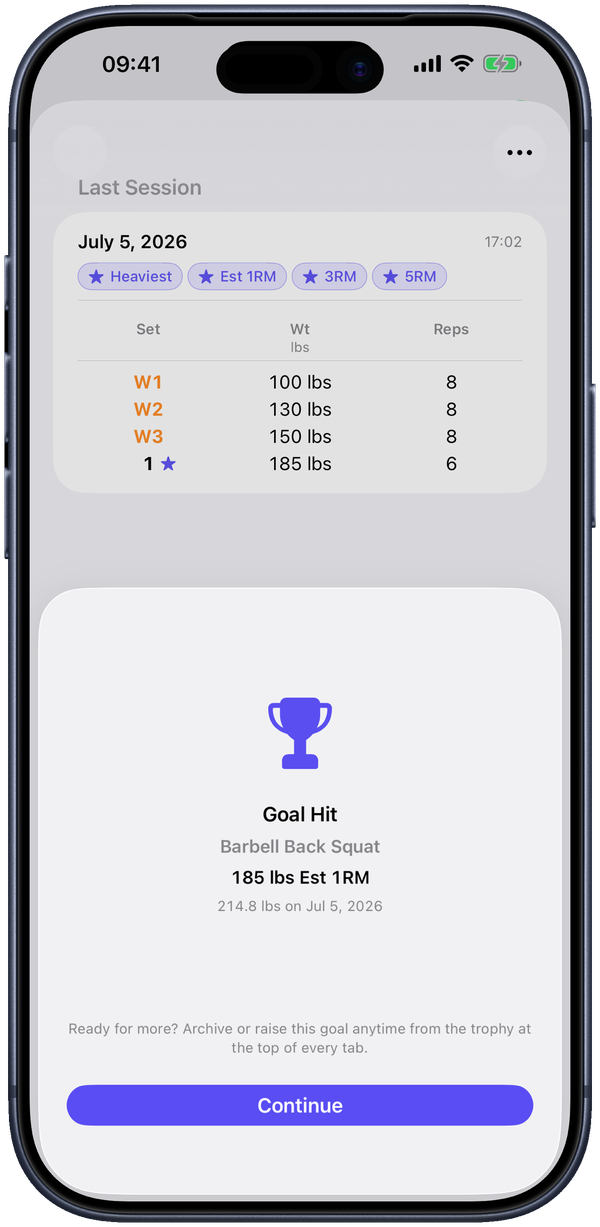
You don't track personal bests by hand. Any working set that beats your previous best for an exercise gets a star the moment you log it. Flip back through an exercise and the stars show exactly when you moved the needle. Warmup sets never count, so your records stay honest.
“Best” can mean heaviest weight, best weight×reps, or estimated one-rep max — the app checks them all.
Your training, organized
Routines
A routine is a group of exercises you tend to do together — push / pull / legs, an upper day, whatever split you run. Make one with +, name it, and add exercises (new or existing). Drag to reorder; tap a routine's header to collapse it.
Hit the play button to Start Routine — it opens a session for the whole group — or just tap any single exercise to start there. Nothing locks you into an order; run the floor however it's laid out that day. Each exercise shows its Last Session date so you know when you last touched it.
Flip through it
Your logs
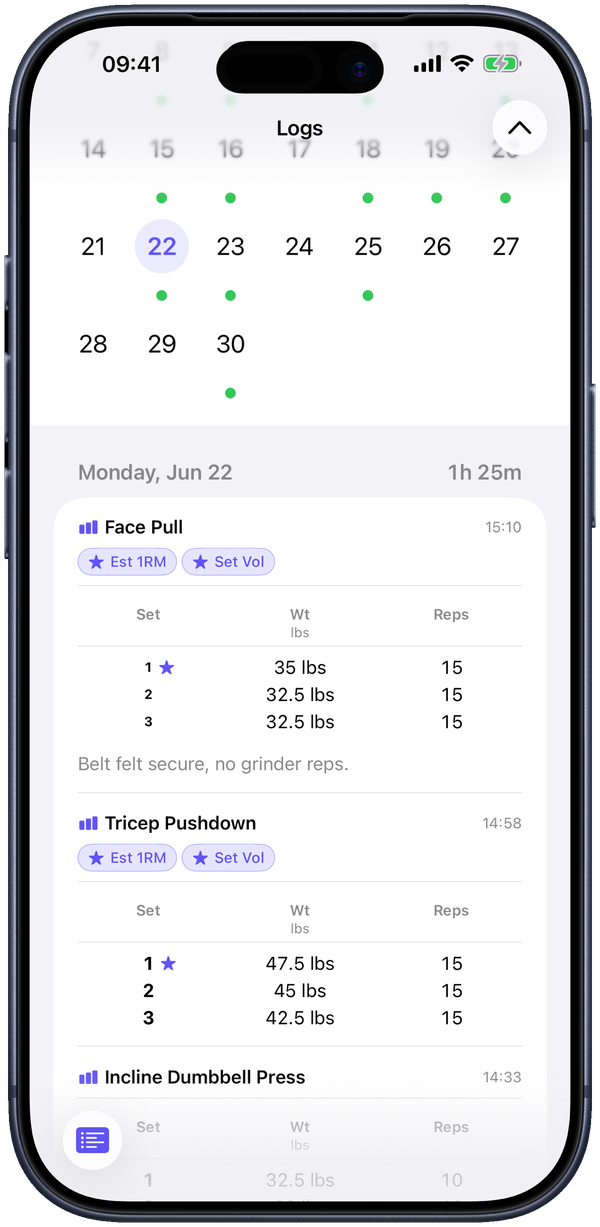
The Logs tab is a calendar with a green dot on every day you trained. Tap a day to see the sessions you did, every set inside them, and any notes you left — the quick answer to “wait, what did I squat last Tuesday?” Start typing to switch into search and jump to any exercise instead.
Trends at a glance
Progress
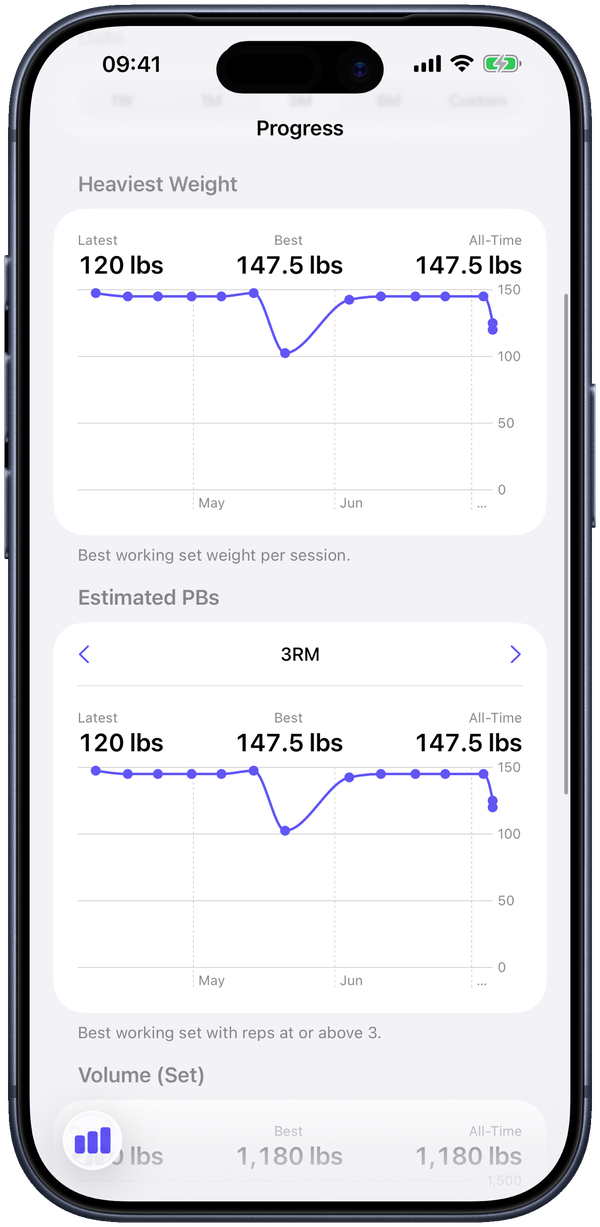
The Progress tab charts any exercise over a date range — 1W, 1M, 3M, 6M, or Custom. Out of the box you get Heaviest Weight (your best working set each session) and Estimated 1RM, each with Latest / Best / All-Time figures above the line.
Pro adds Advanced Graphs — an Estimated PBs view (1RM, 3RM, 5RM, 8RM, 10RM) and Volume per set and per session — plus your choice of 1RM formula (Hybrid, Epley, Brzycki, Lander, or an average). Set a goal and its target draws right on the chart.
Bar math, done
Plate calculator
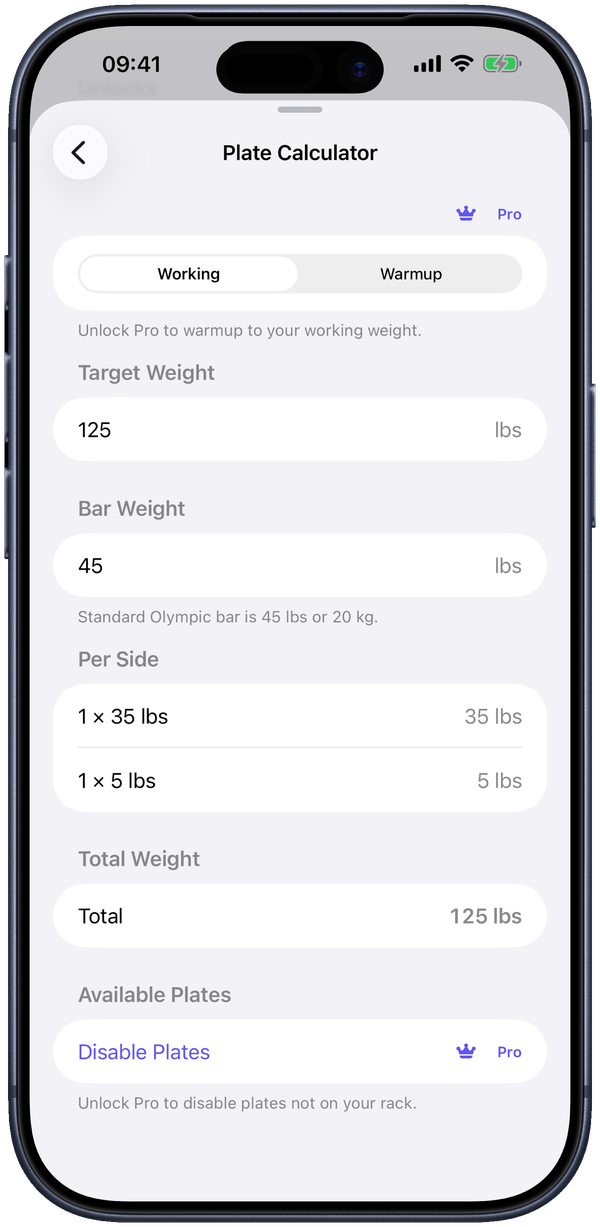
The plate calculator is free. Give it a target weight and it shows exactly what to load per side, accounting for the bar weight (a standard Olympic bar is 45 lb / 20 kg), with the running total and how it compares to your target.
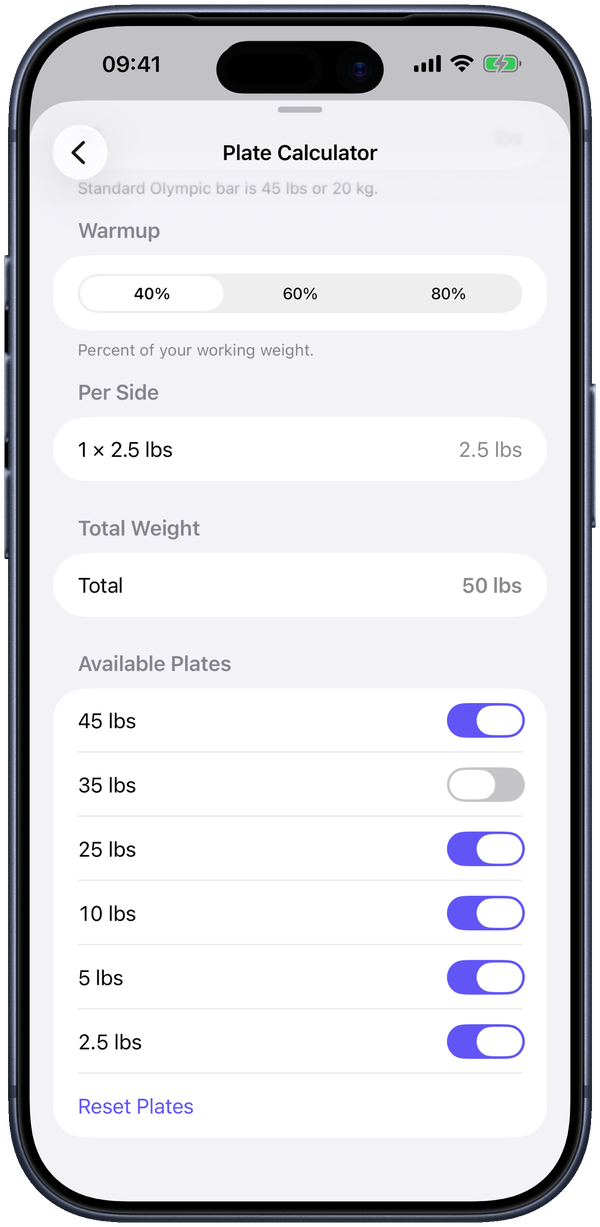
With Pro you can open Available Plates and switch off any plate your gym doesn't own — then the per-side breakdown only ever uses what's actually on the rack, so there's no “just add a 1.25” when there isn't one.
No mental arithmetic
Warmup calculator Pro
Switch the calculator to Warmup mode, pick a percentage of your working weight — 40%, 60%, or 80% — and it hands you the exact bar load to put on, already reconciled with the plates your gym has. Ramp up without doing fractions in your head between sets.
Something to chase
Goals Pro
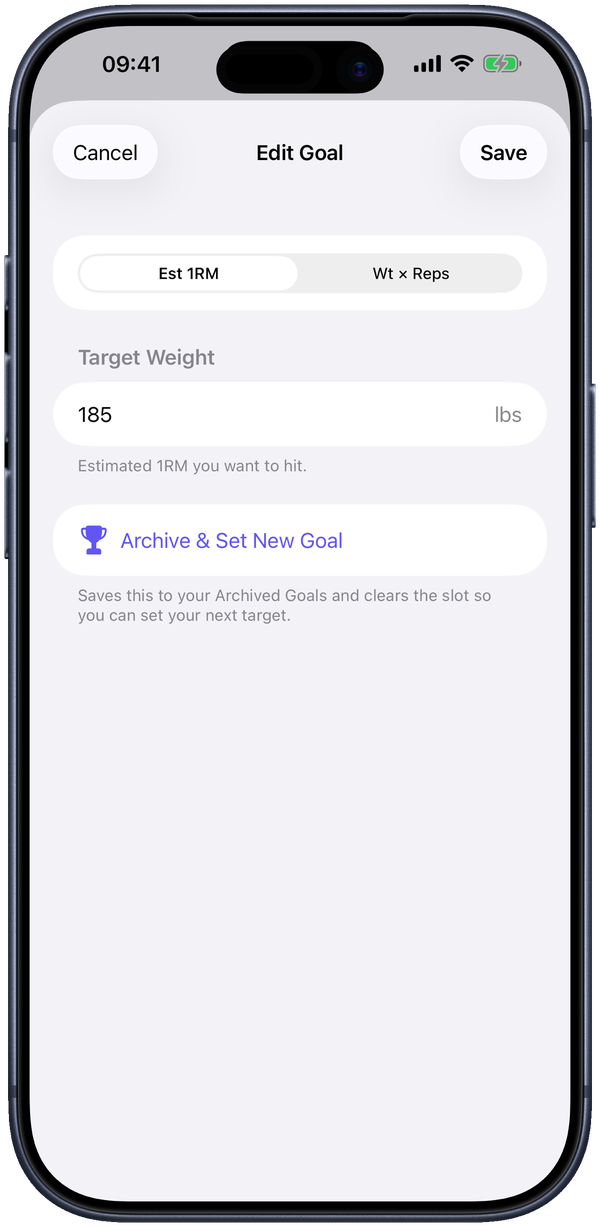
Tap Set a Goal on any exercise and pick a target — Estimated 1RM, Weight × Reps, Max Reps, Distance, Longest Time, or Pace, depending on what the exercise tracks. Lift Logger watches your sets and marks the session that clears it with a Goal Hit badge, and a trophy sits at the top of every tab until you're done celebrating. Ready for the next one? Archive & Set New Goal.
If you want it
Apple Health sync Pro
Turn on Sync to Apple Health and finished sessions are written to Health as workouts, automatically. It's opt-in, and it stays in step — edit a session in Lift Logger and the matching Health entry updates too. Already have history? Sync Past Workouts backfills it.
↑ back to topYour data, portable
Backup, export & import
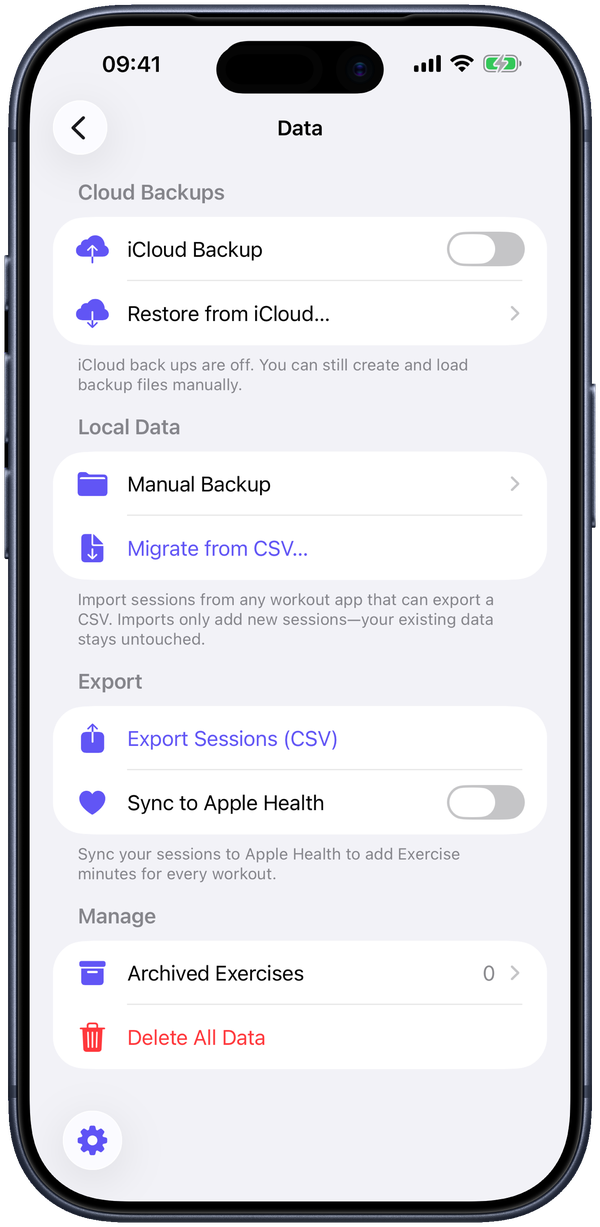
Your training lives on your iPhone — there's no Lift Logger server and no account. You stay in control of copies of it, from the Data screen in Settings:
- Manual Backup and Export Sessions (CSV) are free — create a backup file or pull your whole history out as a spreadsheet whenever you like.
- iCloud Backup Pro saves a copy automatically each week to your iCloud Drive, under your Apple ID — where even we couldn't read it. There's an Only Backup on Wi-Fi option too.
- Migrate from CSV Pro is a guided wizard that imports exports from other trackers, matching up your exercises, so switching apps doesn't mean losing years of logs.
Make it yours
Appearance
Lift Logger looks clean out of the box, and a few things are yours to set: Theme (light, dark, or system), Screen Always On for while you're lifting, your Default Home Tab, and Week Start. Weights default to pounds and distance to miles — change either under Settings.
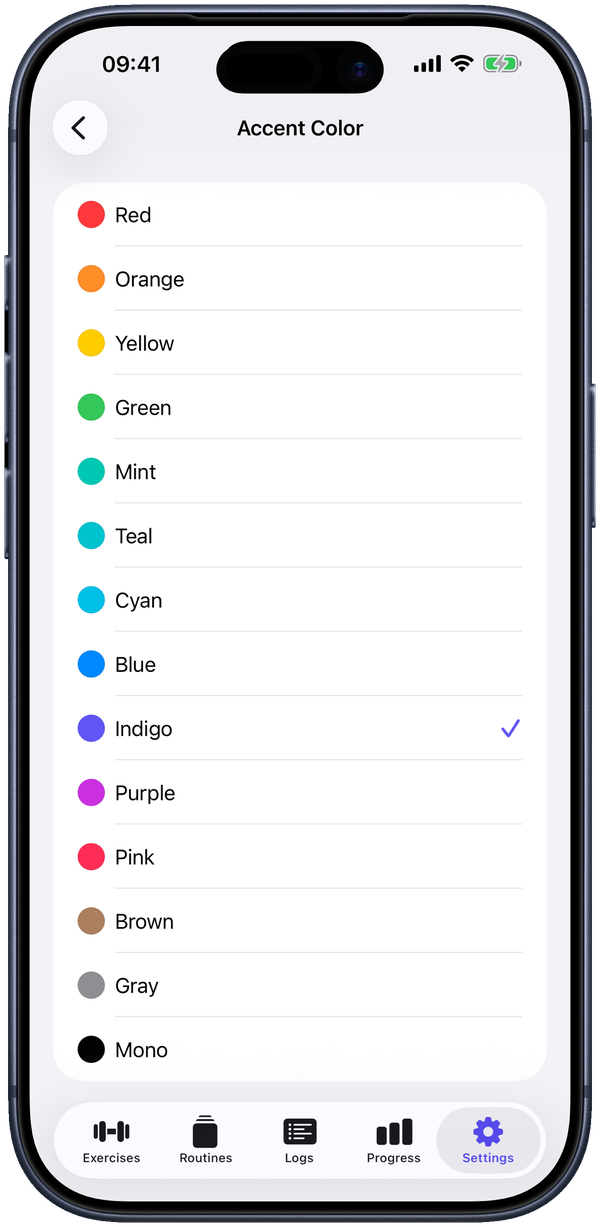
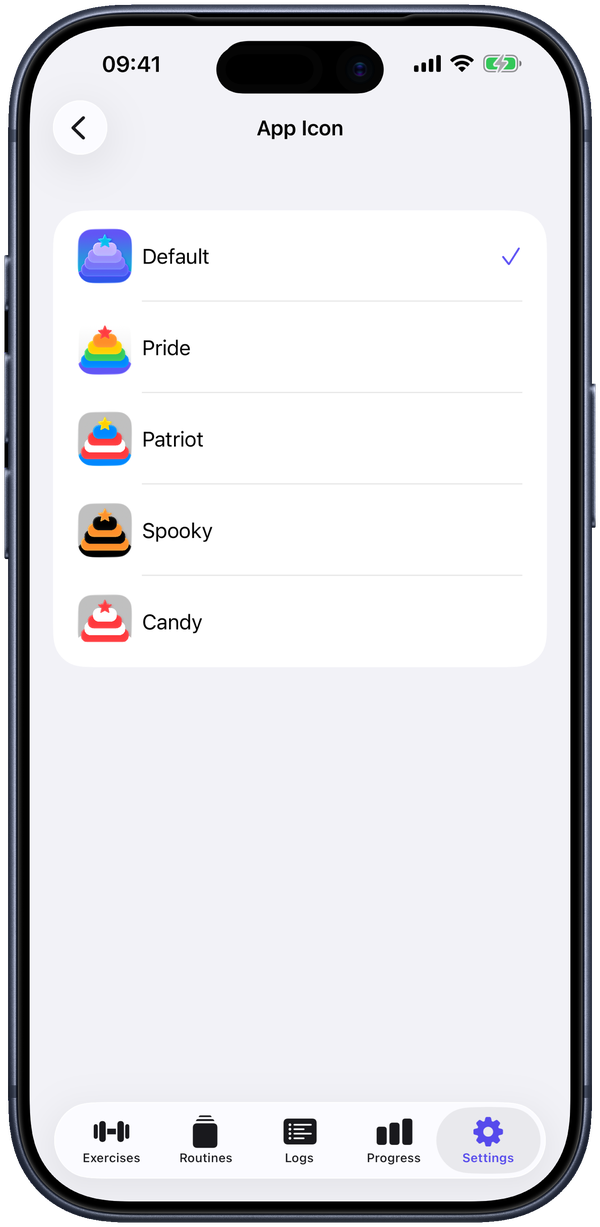
Want to personalize it further? The optional Supporter subscription unlocks 15 accent colors and alternate app icons, and helps fund development. It's purely cosmetic — cancel any time and you lose the colors, never your data or features.
Built in
Accessibility
Lift Logger supports VoiceOver, Voice Control, Larger Text (Dynamic Type), a Dark interface, Differentiate Without Color Alone, sufficient contrast, and Reduced Motion. The full rundown is on the accessibility page.
↑ back to top