
Documentation
How to actually use Lift Logger.
No onboarding quiz, no 40-page manual. Start with the two-minute quickstart, then dig into whatever feature you're poking at. That's it.
2 minutes
Quickstart
Download to first logged set, step by step.
The detailsThe full guide
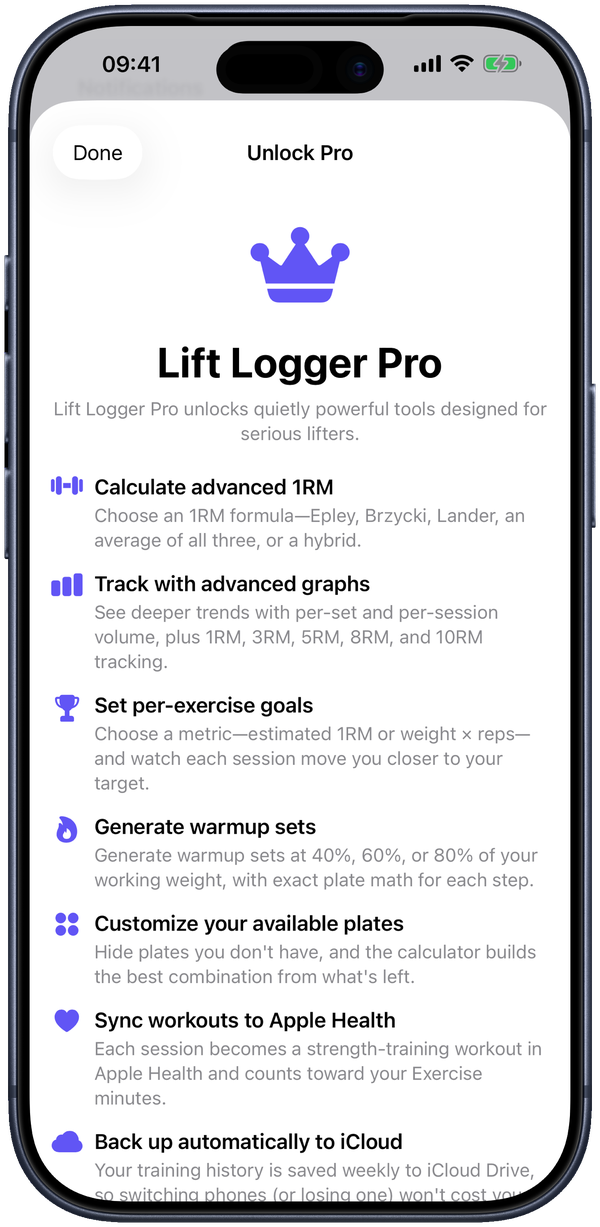
Every feature that matters — logging, routines, the rest timer, personal bests, charts, and the Pro tools.
What's in the guide
Jump straight to whatever you came for:
- Exercises — what they are and what each one can track
- Logging a session — warmups, working sets, and autosave
- The rest timer — a Live Activity that runs on your Lock Screen
- Personal bests — the star, and how it's earned
- Routines — group your exercises and start them in a tap
- Your logs — the calendar you can flip through
- Progress — charts over any date range
- Plate calculator — per-side plate math, free
- Warmup calculator Pro
- Goals Pro
- Apple Health sync Pro
- Backup, export & import
- Appearance
- Accessibility
New here? You don't need an account and you won't be asked to make one. Open the app and you're already in. The quickstart takes it from there.
Still stuck?
The FAQ covers the money-and-privacy questions (free vs. Pro, where your data lives, importing history). Anything else, email hellosam@liftlogger.fitness — it goes to the person who built the app, not a bot.